
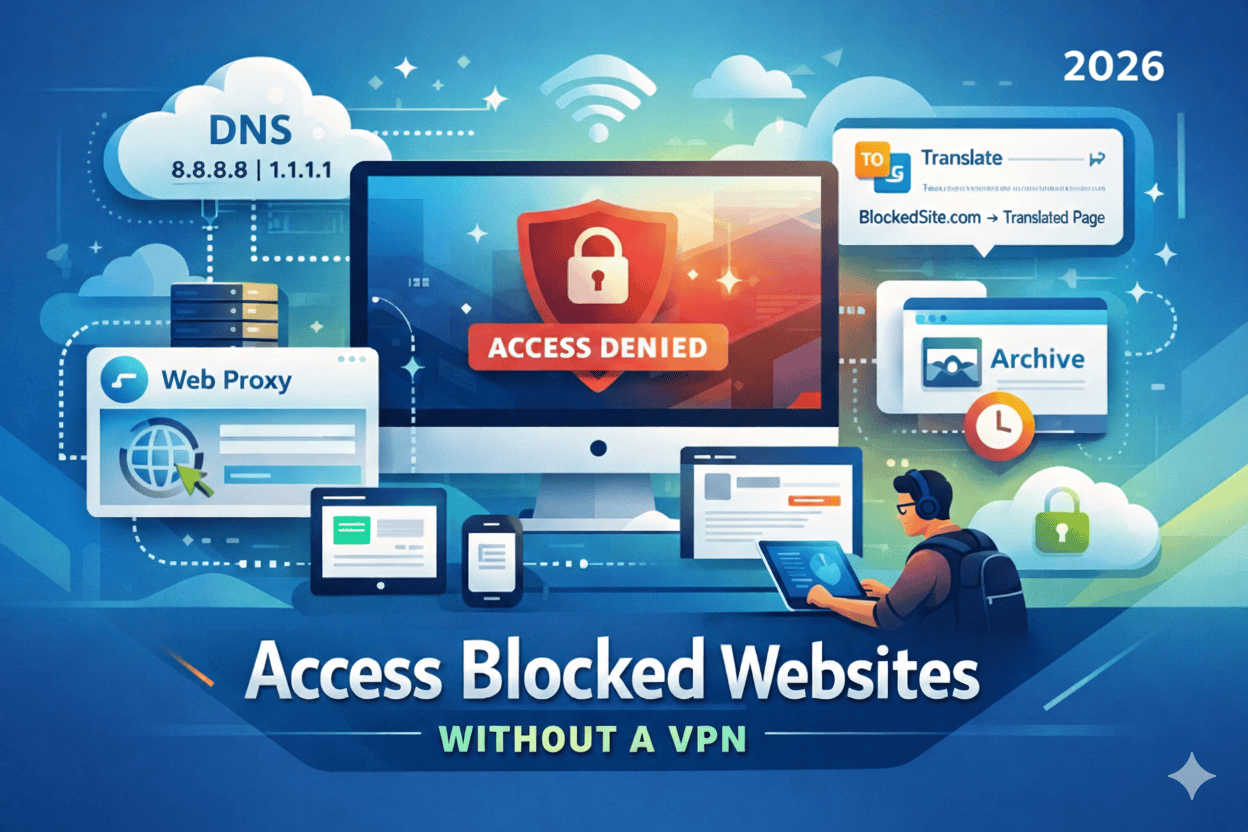
How to Access Blocked Websites Safely Without a VPN (2026 Edition)
If you’ve ever tried opening a website only to see a message like “This content is not available in your region” or “Access denied by your network administrator”, you already know how frustrating internet restrictions can be.
What’s even more frustrating?
Most people immediately think a VPN is the only solution, but that’s not always true.
In fact, in 2026, there are multiple safe, legal, and effective ways to access blocked websites without VPN, and many of them work faster, cost nothing, and don’t slow down your internet connection.
Whether you’re:
- A traveler accessing region-restricted content
- A student dealing with school or workplace firewalls
- A blogger researching competitors
- A digital marketer testing geo-specific SERPs
- Or simply someone trying to open a blocked website
This guide is written for you.
Unlike shallow listicles, this article dives deep into how and why websites get blocked, and then shows you real-world, tested methods to access blocked websites without VPN, safely and responsibly.
You’ll learn:
- What actually causes website blocks
- Which methods work best in 2026
- Which techniques are safe vs risky
- When a VPN is still necessary — and when it isn’t
- How to protect your privacy while bypassing restrictions
By the end, you’ll have multiple reliable ways to access blocked websites without VPN, and the confidence to choose the right method depending on your situation.
Let’s begin.
What Does It Mean When a Website Is Blocked?
Before learning how to access blocked websites without VPN, it’s important to understand why websites get blocked in the first place.
Website blocking usually happens at one of these levels:
1. ISP-Level Blocking
Your internet service provider restricts access due to:
- Government regulations
- Copyright enforcement
- Local censorship laws
2. Network-Level Blocking (Schools & Offices)
Organizations block sites to:
- Prevent distractions
- Enforce security policies
- Restrict social media or streaming
3. Website Geo-Restrictions
Websites themselves restrict access based on:
- Country
- IP address
- Licensing agreements
4. DNS-Level Blocking
Your DNS resolver refuses to translate a domain name into an IP address.
Understanding this makes it easier to choose the right method to access blocked websites without VPN.
Is It Legal to Access Blocked Websites Without a VPN?
This is one of the most searched questions on Google and for good reason.
The Short Answer:
In most countries, using alternative access methods is legal, as long as:
- You’re not accessing illegal content
- You’re not violating local cyber laws
- You’re not breaching corporate contracts
Always respect your local laws and organizational policies.
Method 1: Use Web-Based Proxy Websites (No Installation Needed)
One of the easiest ways to access blocked websites without VPN is using a web proxy.
How Web Proxies Work
A proxy:
- Acts as an intermediary
- Fetches the website on your behalf
- Shows it to you through another server
Popular Web Proxy Services in 2026
- Hide.me Web Proxy
- KProxy
- ProxySite
Pros:
- No installation
- Free to use
- Quick access
Cons:
- Slower speeds
- Limited functionality on heavy websites
- Not ideal for logins or payments
Best for: Reading articles, blocked blogs, research content
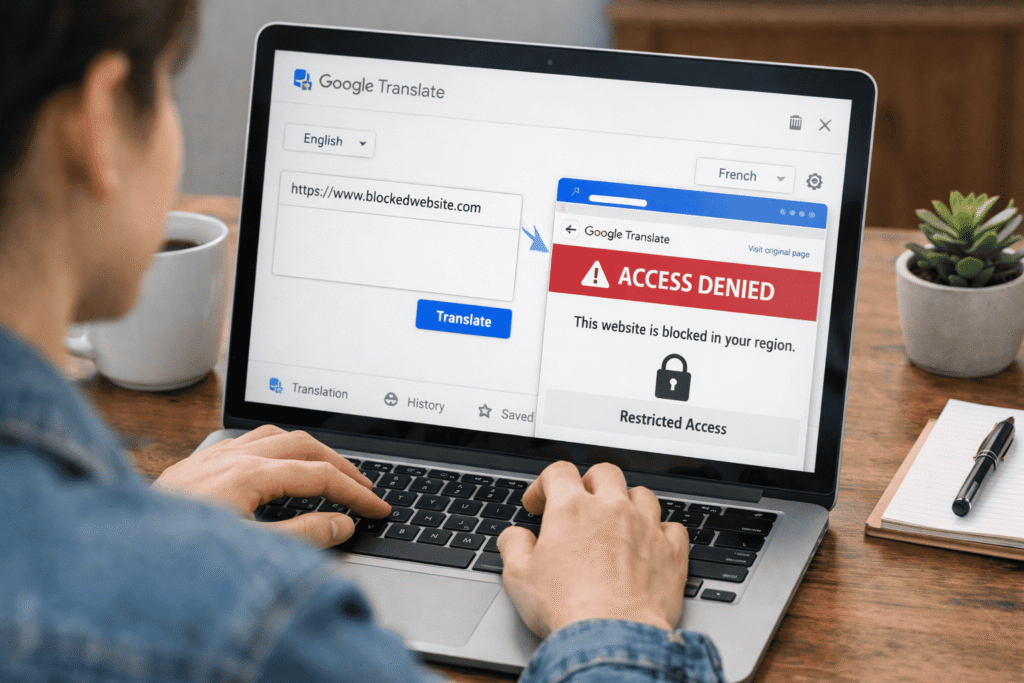
Method 2: Access Blocked Websites Using Google Translate
This is a surprisingly effective trick many people don’t know.
How It Works:
- Open Google Translate
- Paste the blocked website URL
- Select any language
- Click the translated link
Google fetches the page on your behalf bypassing many filters.
Why This Works
- Google servers aren’t blocked
- Many filters don’t inspect translated pages
Limitations:
- Some scripts may not load
- Dynamic websites may break
Still, it’s one of the simplest ways to access blocked websites without VPN.
Method 3: Use Cached Versions of Websites (Google Cache)
If you only need to read content, Google Cache is extremely useful.
How to Access:
- Search the website on Google
- Click the three dots → “Cached”
Or type:
cache:example.com
When This Works Best:
- Blog posts
- News articles
- Tutorials
This is ideal if you’re researching topics like SEO, blogging, or WordPress, similar to other guides on infinityfolder.com like How to Get Your Website to Appear in Search Engines | Index Fast on Google, Bing, Yahoo
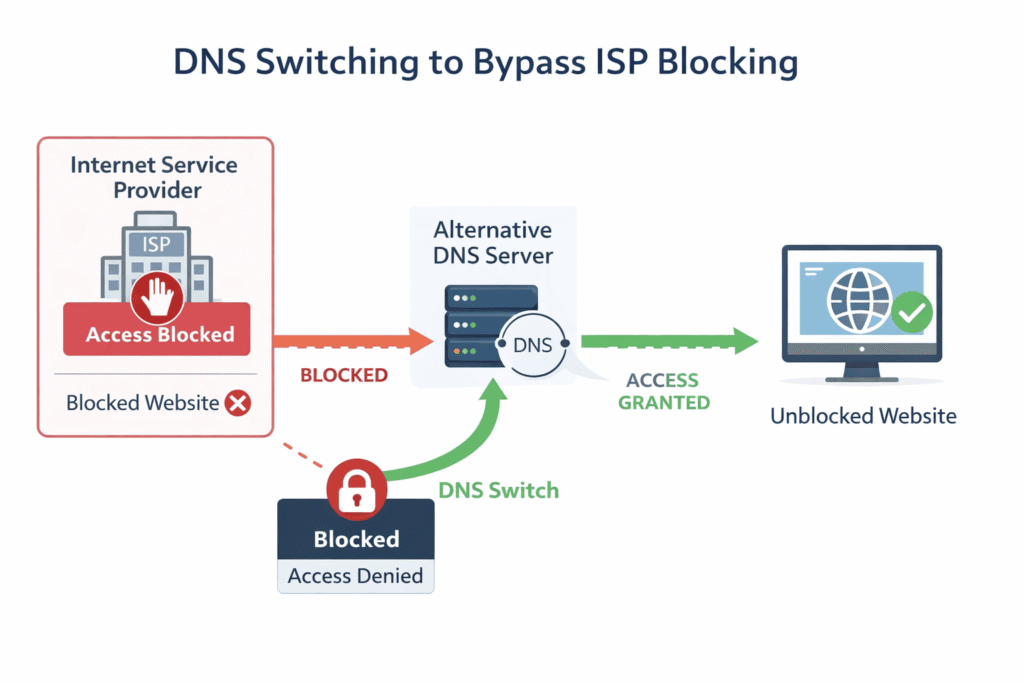
Method 4: Change DNS to Access Blocked Websites Without VPN
DNS-based blocking is extremely common.
Best Public DNS Providers in 2026:
| Provider | Primary DNS | Secondary DNS |
|---|---|---|
| Google DNS | 8.8.8.8 | 8.8.4.4 |
| Cloudflare | 1.1.1.1 | 1.0.0.1 |
| OpenDNS | 208.67.222.222 | 208.67.220.220 |
Why This Works
- Many ISPs block websites at DNS level
- Switching DNS bypasses those restrictions
This method is fast, free, and safe and works exceptionally well for accessing blocked websites without VPN.
Method 5: Use Tor Browser (Without Using a VPN)
Tor is not a VPN, it’s a privacy-focused browser.
How Tor Works:
- Routes traffic through multiple encrypted nodes
- Masks your IP
- Bypasses censorship
Pros:
- Strong privacy
- Access highly restricted websites
Cons:
- Slower speeds
- Not ideal for streaming
Tor is perfect for users concerned about privacy especially when paired with guides like
How to Protect Your Online Privacy: A Complete Beginner’s Guide and How to Watch Videos Not Available in Your Country
Method 6: Use URL Shorteners to Bypass Basic Filters
Some firewalls block keywords, not destinations.
How This Helps:
- Shortened URLs don’t contain blocked keywords
- Filters fail to recognize destination
Services:
- Bitly
- TinyURL
Works well in schools and offices with outdated filters.
Method 7: Access Blocked Websites via RSS Readers
If a site blocks direct access but allows RSS feeds, you’re in luck.
Benefits:
- No scripts
- Lightweight
- Rarely blocked
Great for blogs and news websites.
Method 8: Use Archive.org (Wayback Machine)
The Internet Archive stores snapshots of millions of websites.
Why It Works:
- Archive.org is rarely blocked
- Content loads from archive servers
Perfect for tutorials, articles, and research.
Method 9: Use Browser Extensions (Non-VPN)
Some browser extensions reroute traffic without acting as full VPNs.
Examples:
- Hola (limited use)
- Browsec (browser-level)
⚠️ Always check privacy policies.
Method 10: Access Mobile Versions of Websites
Many filters block desktop URLs but not mobile subdomains.
Try:
m.example.com
People Also Ask
Can I access blocked websites without VPN safely?
Yes, using DNS changes, proxies, Tor, or cached pages is generally safe when used responsibly.
Which method is fastest?
DNS switching and Google Translate are usually the fastest.
Can schools detect these methods?
Some methods yes, others no especially DNS changes.
External Resources (Trusted & Relevant)
- Internet censorship overview: https://www.eff.org
- DNS privacy explained: https://www.cloudflare.com/learning/dns/
- Tor Project official site: https://www.torproject.org
Conclusion: The Smart Way to Access Blocked Websites Without VPN in 2026
Accessing restricted content doesn’t have to be complicated, expensive, or risky.
As you’ve seen throughout this guide, there are multiple reliable ways to access blocked websites without VPN and many of them are faster and safer than traditional VPNs.
Whether you use:
- DNS switching
- Web proxies
- Google Translate
- Cached pages
- Tor Browser
You now have practical, tested solutions to access blocked websites without VPN depending on your needs.
The key is choosing the right method, understanding the risks, and staying within legal boundaries.
If your goal is speed, convenience, and minimal setup, DNS changes and Google tools work best.
If your goal is privacy, Tor is more suitable.
And if you’re just reading content, cached pages and archives are often enough.
In 2026, smart internet users don’t rely on just one tool, they understand multiple ways to access blocked websites without VPN, and use them wisely.
Bookmark this guide. Share it. And stay informed.